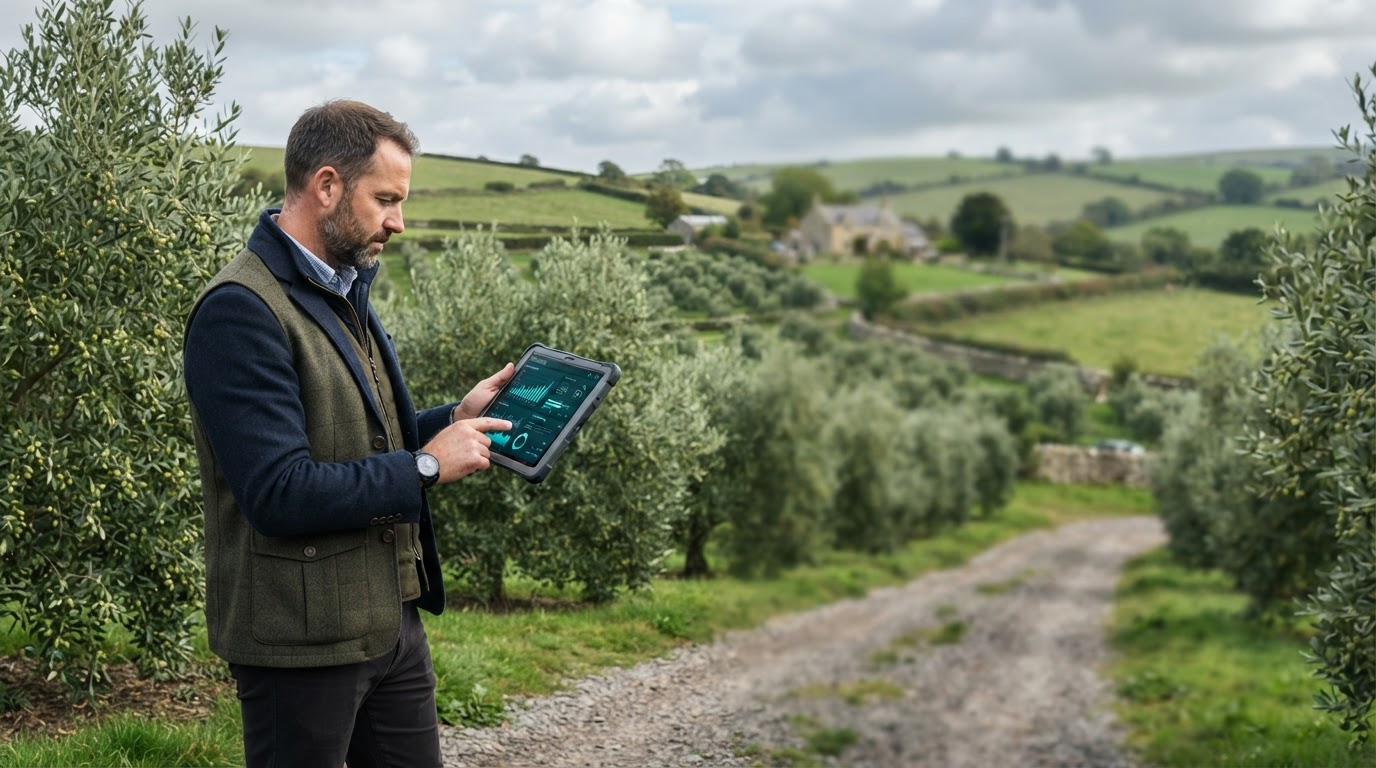
Every tool you need, built into one workflow
Olive Vale brings structured analysis, flexible configuration, and clear reporting together — so your team spends less time switching tools and more time acting on results.
Built around clarity and control
Each feature in Olive Vale is designed to remove friction from your process, from first setup through to final output.
Structured Data Intake
Import and organize information through a consistent intake process, reducing manual cleanup and formatting errors before analysis begins.
Configurable Workflows
Adjust each stage of the process to match your requirements, without needing to rebuild logic from scratch every time conditions change.
Real-Time Validation
Checks run continuously as data moves through the system, surfacing inconsistencies early rather than at the end of a long process.
Clear Reporting Output
Generate structured summaries that are easy to review, share, and act on — formatted for both technical and non-technical audiences.
Access Controls
Define who can view, edit, or export information within the platform, keeping sensitive work contained to the right people.
Audit-Friendly History
Track changes and decisions over time, making it straightforward to revisit past work or explain how a result was reached.
A consistent path from input to outcome
The platform follows a defined sequence, so every project moves through the same reliable stages.
Define Scope
Set the parameters and goals for the work before any data is processed.
Load & Configure
Bring in source material and adjust settings to match your specific case.
Run Analysis
The platform processes information according to the configured workflow.
Review Output
Examine results, make adjustments if needed, and export a final version.

Designed to adapt to how you already work
Rather than forcing a rigid process, Olive Vale is built to fit around existing team structures and project types. Settings, permissions, and output formats can all be shaped to match your context.
This flexibility means teams can start with a simple setup and expand functionality gradually, without needing to migrate to a different system later.
- Adjustable configuration at every stage
- Consistent structure across projects
- Output formats suited to different audiences
Suited to a range of applications
These are representative examples of how teams commonly configure Olive Vale for their work.
Process Standardization
Keep recurring workflows consistent across teams and projects, with configuration saved for reuse.
Stakeholder Summaries
Produce clear, structured outputs suitable for sharing with clients, leadership, or external partners.
Traceable Decisions
Maintain a record of inputs, configuration, and output for work that needs to be reviewed or explained later.
Feature-specific FAQ
Can features be turned on or off per project?
Yes. Most capabilities in Olive Vale can be enabled or adjusted individually, so each project only uses the parts of the workflow it actually needs.
Does the platform support multiple output formats?
Reporting output can be structured to suit different audiences, from detailed internal records to simplified summaries for external sharing.
How is access managed across a team?
Access controls let you define roles and permissions, so different team members can be limited to viewing, editing, or exporting as appropriate.
Is historical activity retained?
Yes. Changes and configuration decisions are tracked over time, which is useful for review, audits, or simply understanding past work.
See these features in your own workflow
Get in touch to discuss how Olive Vale can be configured for your team's specific needs.